Client portals for listing agents
Gable: Every seller in the loop.No update to write.
Gable pulls your listing views, social views, showings, feedback and comparables into one report under your name. You check it, then share it.
14 days free, no card to start.
Built by a listing agent with 10 years in the business.
The weekly report
See a sample report Sample data
The client portal
See a live portal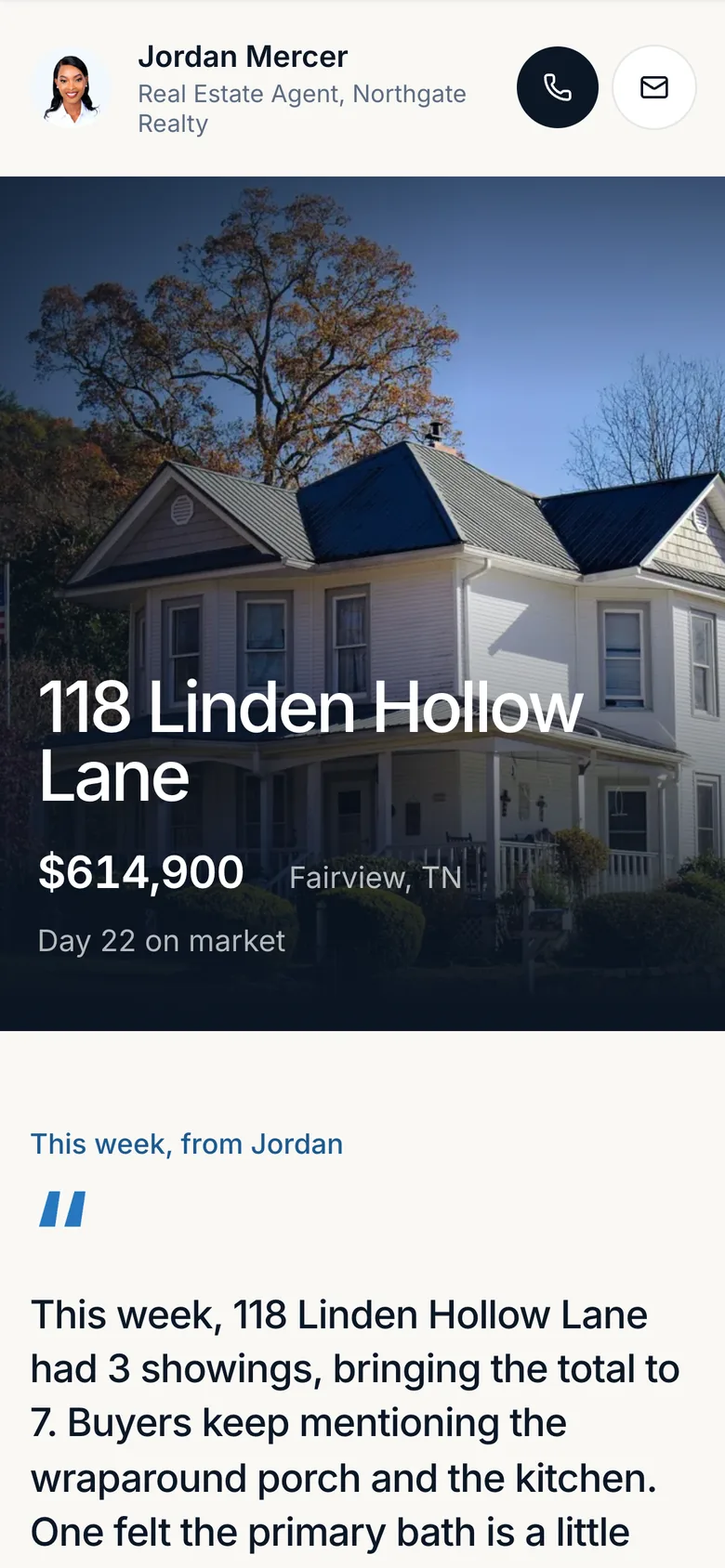
See it in 20 seconds.
The hardest part of a listing is the silence between showings.
“Any news?”
The text that arrives when a seller has not heard from you in a few days.
Their portal already answers it.
The Sunday night update
Showings, feedback and the week’s news, typed up by hand.
Gable drafts it for you to check.
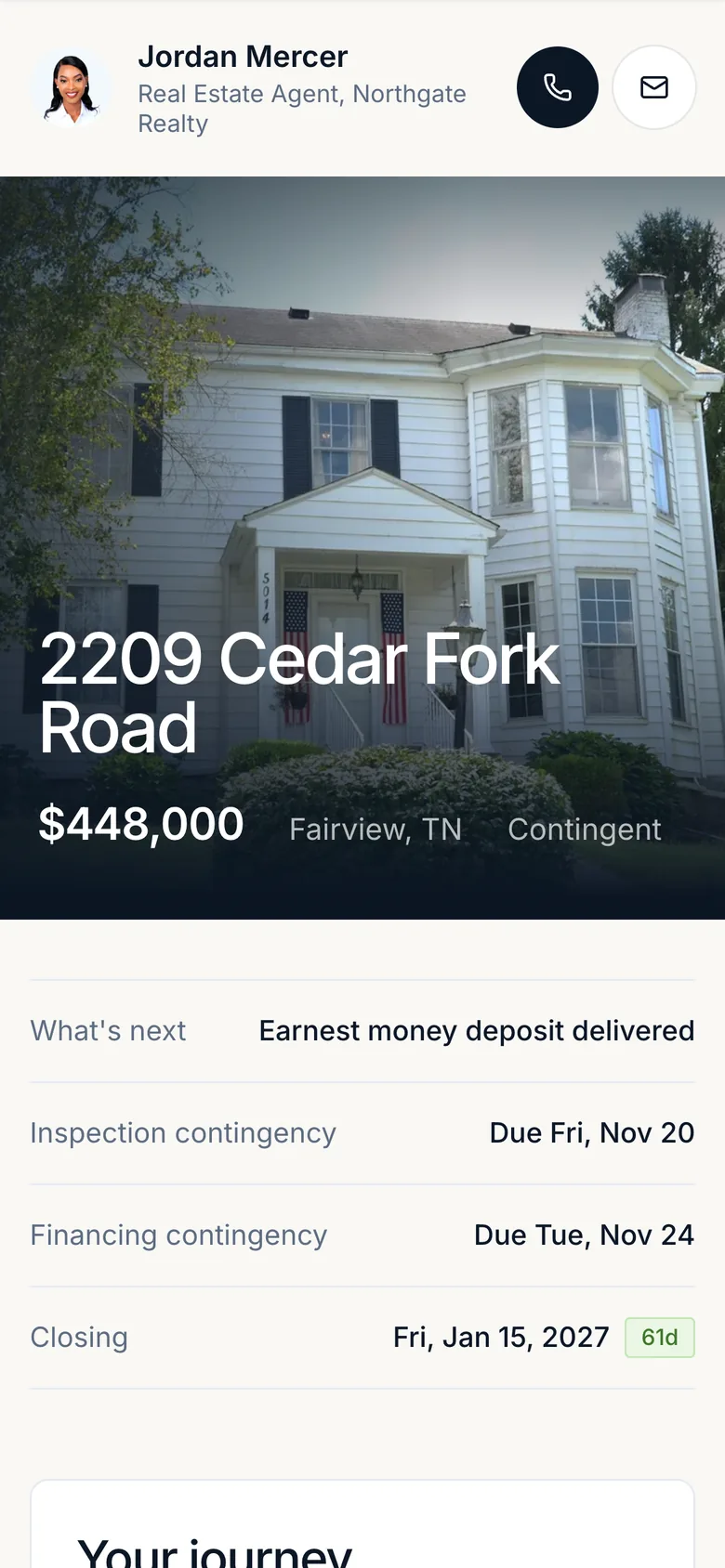
The date in your head
Financing, inspection, deposit and closing, across every deal at once.
Every one counts down to the day.
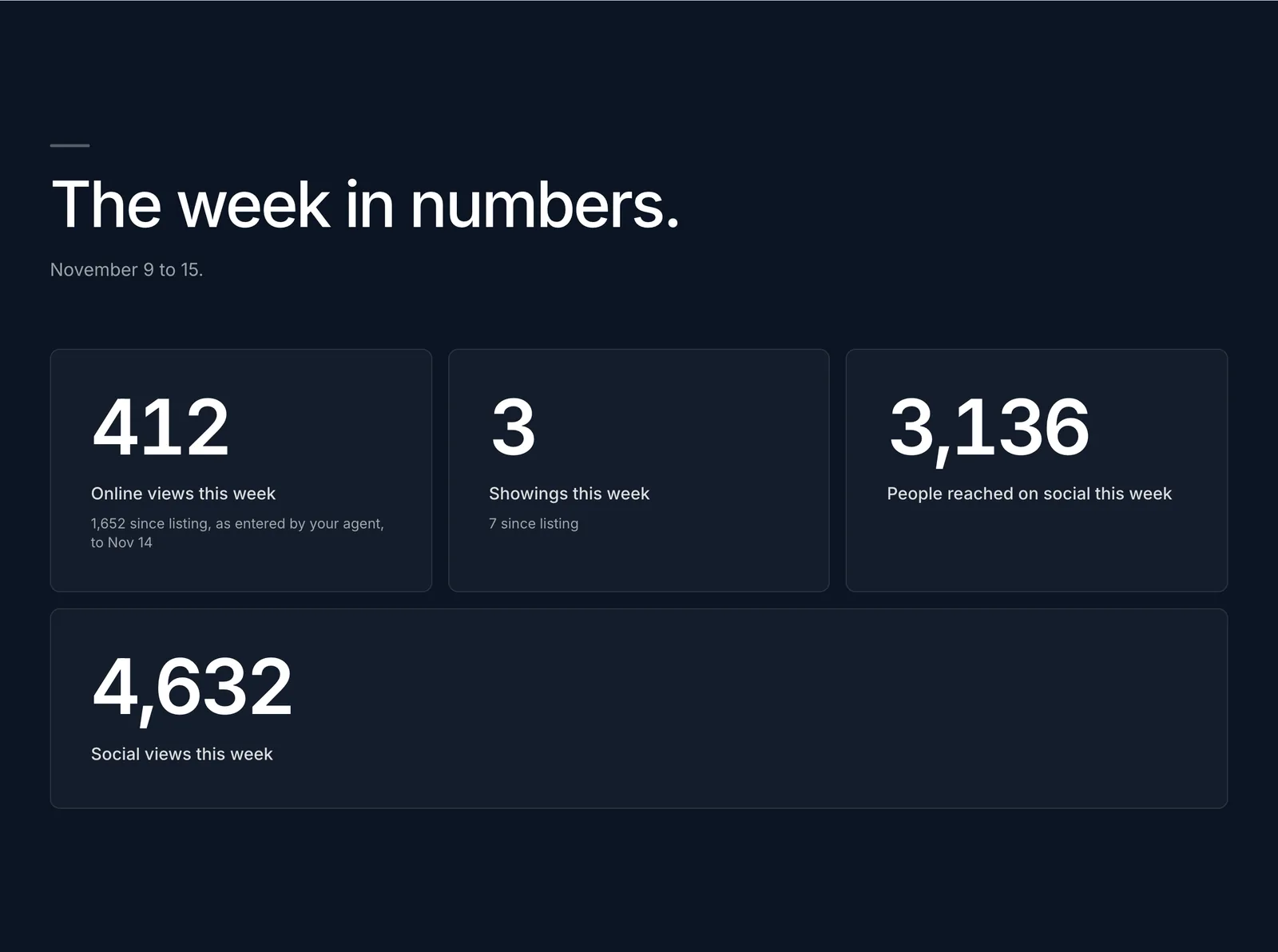
“Can you send me an update on the house?”
Every stat your seller asks about, in one place.
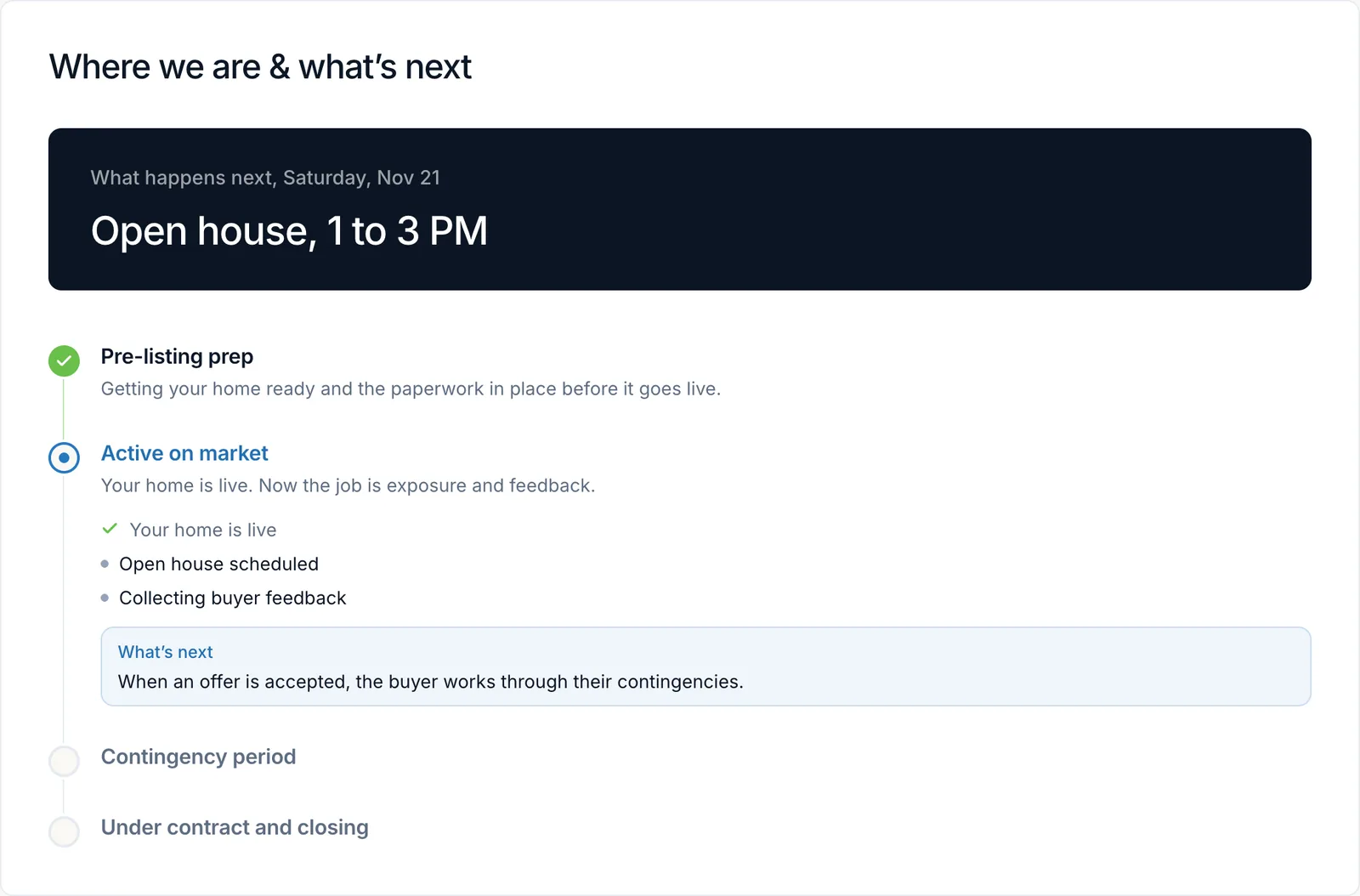
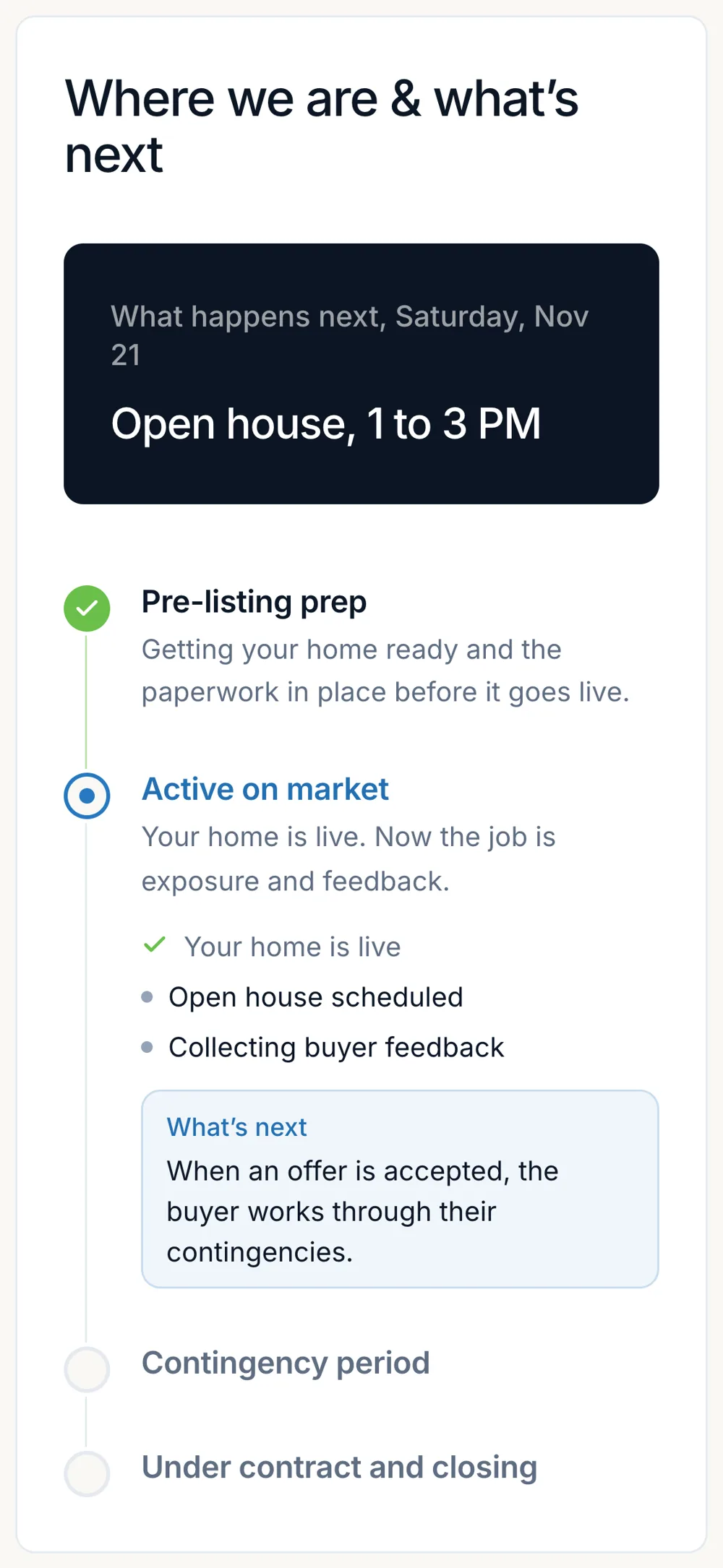
“So what happens next?”
A portal your seller actually reads.
Every deal gets a roadmap.
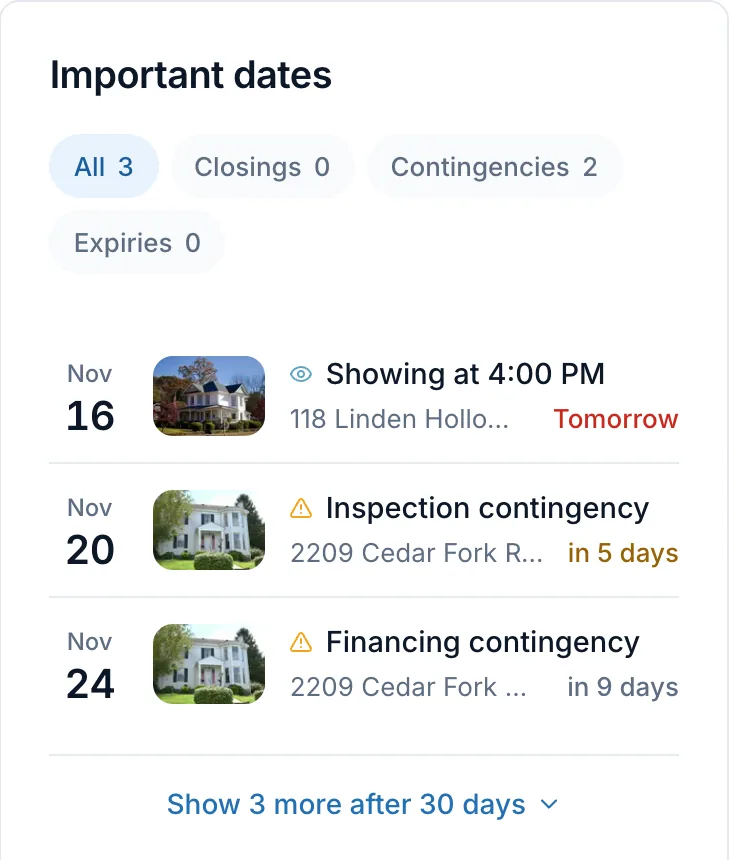
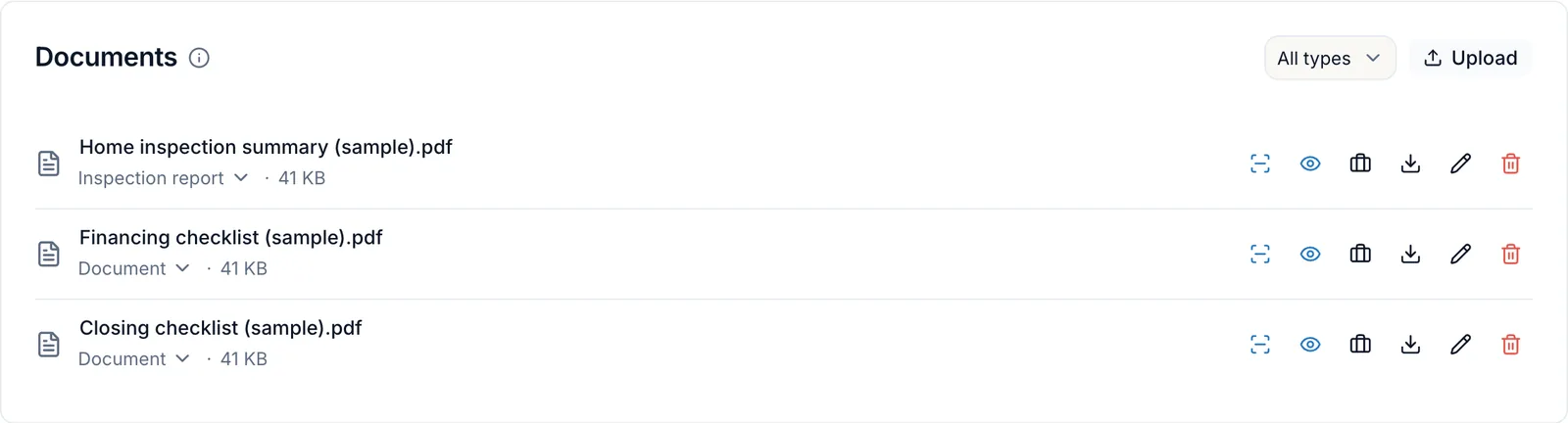
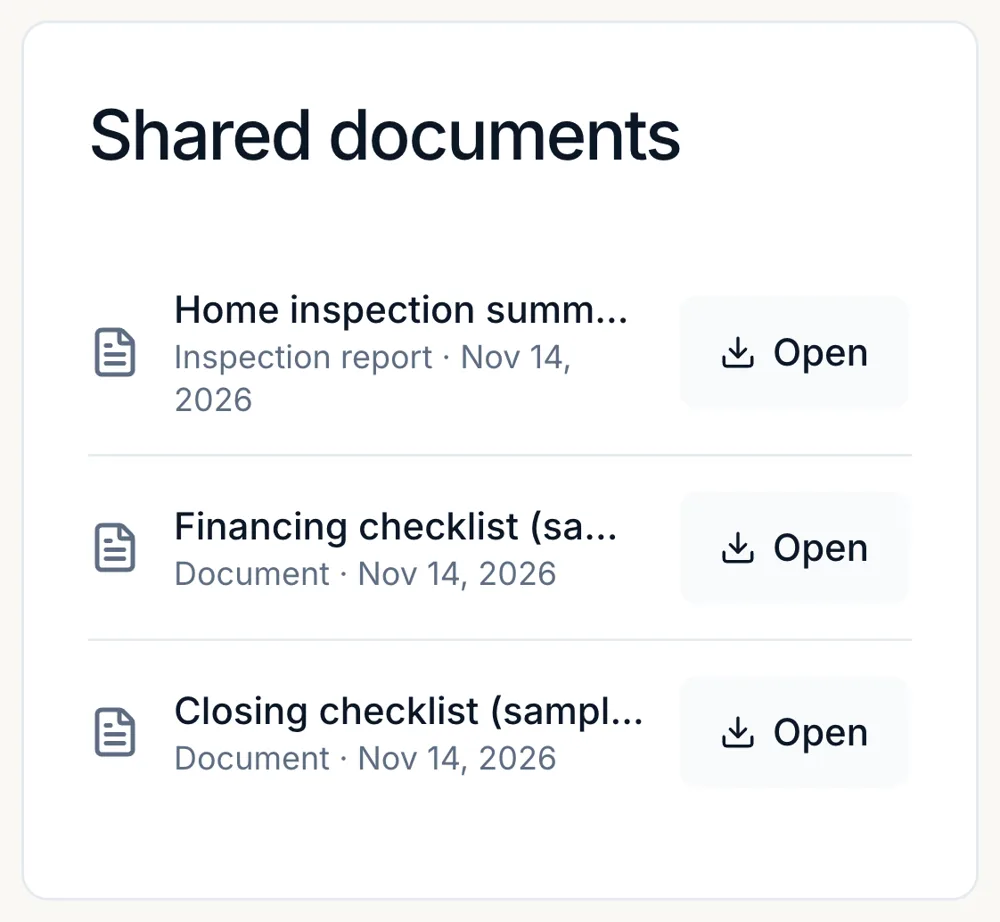
Everyone on the deal, in one place.

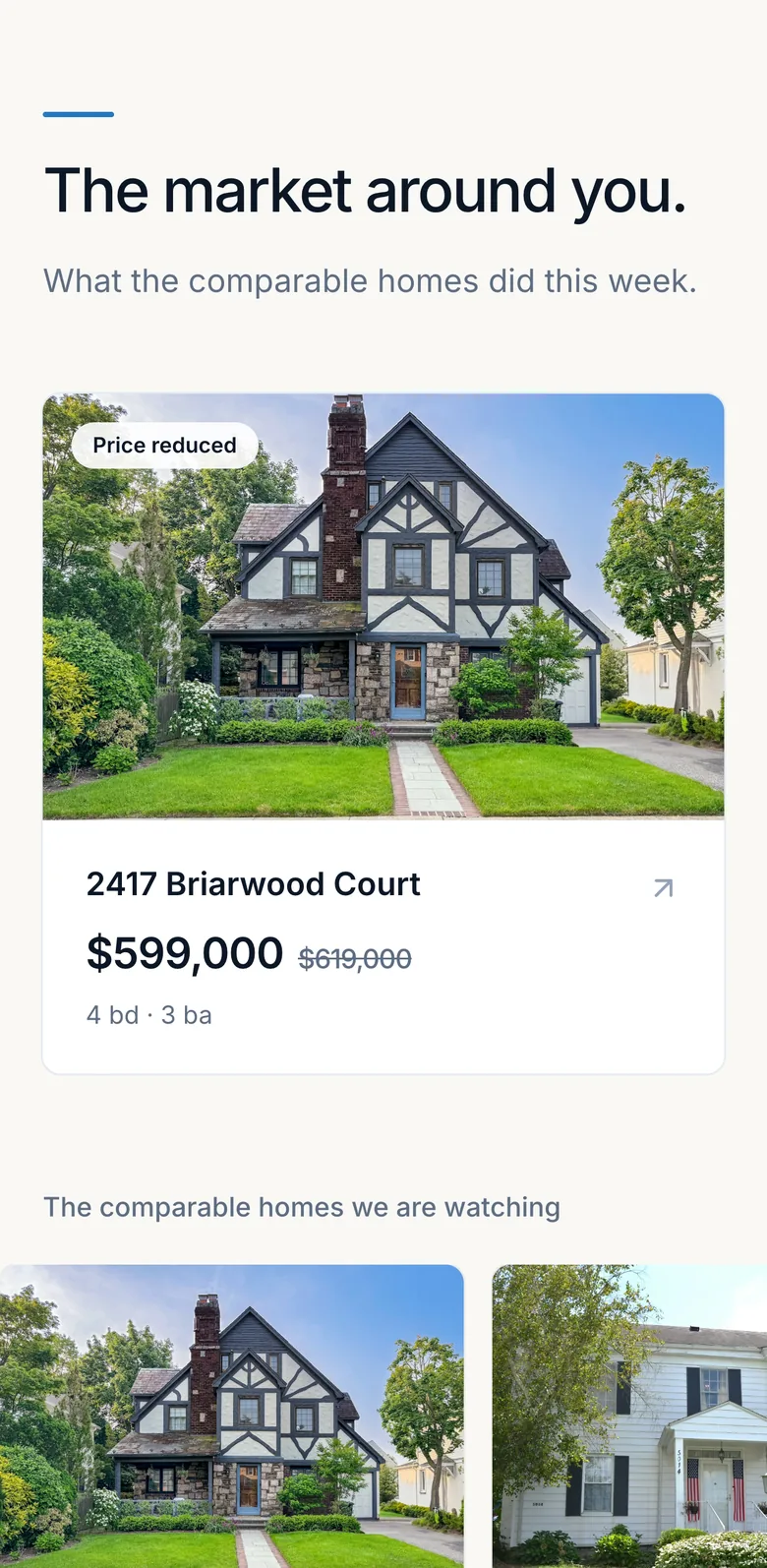
Watch the competition for your seller.
Paste the competing listings once. Every price drop and status change shows up, dated, in the seller’s portal and weekly report.
- You choose the comparables your seller sees
- Price drops and status changes, each with its date
- Beside their own views, showings and feedback
And it runs your deals too.
Works with the tools you use.
Forward your ShowingTime emails to your Gable address, and showings and feedback file themselves on the right listing. Every date goes out to your calendar, and your AI agents can work your deals.
Comes in on its own
- ShowingTime and BrokerBay showings
- ListTrac
- Your listing’s public link
- YouTube
- Facebook and Instagram
Goes out on its own
- Google Calendar
Works both ways
- Claude
- ChatGPT and other assistants
- The Gable API
How much time do seller updates take you?
7.2
hours a month
87
hours a year
Your own two numbers. Nothing here is an average.
14 days free. No card. Cancel any time.
Your branding on everything. Your deals visible only to you and your team.
Every plan has every feature.
From $99 USD a month. Plans differ only in how many active transactions you carry, and buyer deals from the accepted offer count. 1 person included, $35 USD a month for each extra person.
Social Studio is free for your first year when you join by Feb 1, 2027. After that it is a paid add-on at $35 USD a month, with a heads-up before any billing.
Starter
$99
USD a month
Up to 5 active transactions
Growth
$149
USD a month
Up to 10 active transactions
Pro
$179
USD a month
Up to 20 active transactions
Unlimited
$199
USD a month
Unlimited active transactions
Questions agents ask first.
Do I need MLS® access to use Gable?
No. Gable works from the links you paste: your listing’s public link, and the public listing links of the comparables you pick. Its views come from the ListTrac emails you forward, or a count you enter. There is no MLS feed to connect.
Does Gable do transaction management?
Yes. Every listing and buyer deal gets its tasks, contingencies, deadlines and key dates, its deal margin and its shared documents in one place. It works beside your brokerage’s own compliance and document system, not instead of it.
Can I use Gable where I work?
Yes, anywhere in the United States. Signup asks your state, and your trial starts straight away.
Is Gable a CRM?
No. Gable starts when a deal does: a listing, or a buyer’s accepted offer. It runs the roadmap, the deadlines, the updates your clients see and what the deal made. Your leads stay in your CRM, and a CRM that can send a webhook can create a deal in Gable through the API.
Does it replace ChatGPT or Claude?
It does not need to. Ask Gable is built in and answers from your own deals. If you already use Claude or ChatGPT, you can connect it to your account and work your deals from there too.
Can my sellers see everything?
No. Your notes and the tasks you keep for yourself never appear in the portal. A seller sees their own roadmap, their listing’s showings and numbers, and each weekly report, under your name and your branding.
What happens after the trial?
Choose a plan to carry on. Nothing is charged during the 14 days and you do not need a card to start. If you do not choose one, nothing is deleted: your listings and clients are there when you do.
Comparable listings
Where do the comparable listings come from?
You add comparable active listings by pasting their public listing links, and Gable keeps an eye on price and status changes. You choose which ones to track for each seller.
Do I pick them, or does Gable?
You do. You add the comparables that make sense for your seller’s home, and you can change them at any time. Gable keeps track of their list price and status from there.
Can my seller see them?
Yes. The comparables you pick show in your seller’s portal and in their weekly update report, including each list price, price drops and status changes.
Can I hide a comparable from my seller?
Yes. You choose which comparable listings your seller sees, and you can hide any of them.
One report. One portal. Your name on both.
A weekly report and a private portal for every client, under your name.
14 days free, no card to start.
Social posts, drafted for you.
Gable drafts the post for each listing. You approve it and schedule it.
Post to Instagram, Facebook and LinkedIn. Track views from YouTube.